Why Lummicron
Everything you need, nothing you don't
Lummicron is purpose-built for mechanical and design engineers. Every feature exists to solve a real problem that CAD teams face every single day.
Try it freeWithout Lummicron
- ✕Email attachments with "FINAL_v4_REAL_USE_THIS.dwg"
- ✕No idea who changed what or when
- ✕Accidentally overwrite a good version
- ✕Share Dropbox links that expire or get lost
- ✕No review process — changes just happen
- ✕Vendor needs a file, you zip and email it
With Lummicron
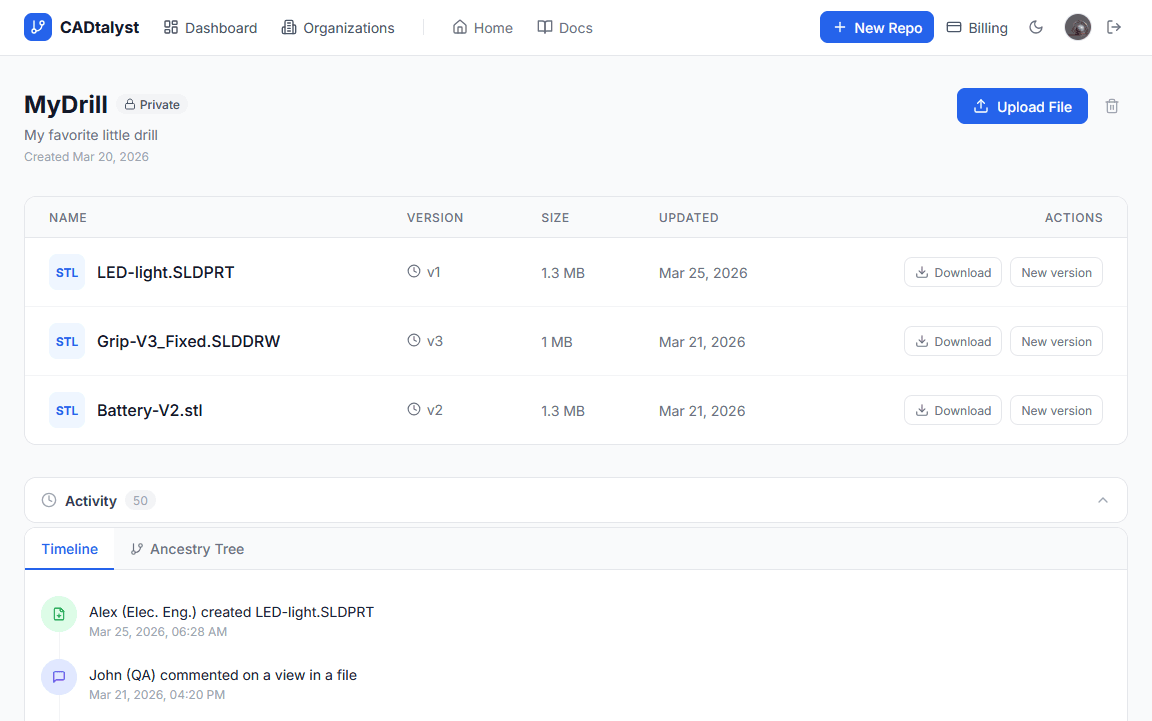
- Every version numbered, labeled, and stored automatically
- Full audit trail — who, what, when, always
- Roll back to any previous version in one click
- Generate a shareable public link in seconds
- Formal review and approval workflow built in
- Public viewer link — no account needed
Version Control
Full Version History
Every file upload is stored as a numbered version with a commit message, timestamp, and author. Scroll back through your entire history and restore any previous version with one click. No more overwriting critical work.
- Unlimited version history per file
- Per-version commit messages
- One-click rollback to any version
- Version diffing (compare any two)
File Locking
When you're actively editing a file, lock it so teammates know not to upload conflicting changes. Locks are visible across your whole team and can be released when you're done.
- Lock any file while editing
- Team-wide visibility of locked files
- Automatic lock release on upload
- Admin override for emergencies
Audit Trail
A complete, immutable log of every action taken on every file and repository. Know exactly who uploaded what, when they did it, and what they changed. Essential for regulated industries.
- Timestamped action log per repository
- Activity heatmap across your workspace
- Filter by user, action, or file
- Export-ready for compliance reviews

Collaboration
Organizations & Teams
Structure your workspace the way your organization actually works. Create an organization, build teams within it, and assign repositories to specific teams with granular access control.
- Unlimited organizations
- Nested team hierarchy
- Per-repository team permissions
- Roles: Owner, Admin, Member, Guest
Review Requests
Request a formal review from a teammate before a design is considered approved. Reviewers can approve, request changes, or leave detailed feedback — all tracked within the platform.
- Request review from any team member
- Approve or request-changes workflow
- Review status tracked per version
- Email notifications for reviewers
Version Comments
Leave comments directly on a specific file version or on a saved 3D view. Have threaded conversations, resolve comments when addressed, and keep all feedback alongside the file it relates to.
- Comments on versions and 3D views
- Threaded replies
- Mark comments as resolved
- Mention teammates with @
Viewing & Sharing
In-Browser 3D Viewer
Open any STL file and view a fully interactive 3D model right in your browser. No plugins, no downloads, no software licenses required. Rotate, zoom, and inspect geometry from any device.
- WebGL-powered 3D rendering
- STL file support
- Save named camera views
- Wireframe toggle
Public Share Links
Generate a public link for any file version and share it with clients, vendors, or stakeholders — even if they don't have a Lummicron account. Revoke access at any time.
- One-click public share link
- No account required to view
- Revoke access instantly
- Track link views (coming soon)
Repository Management
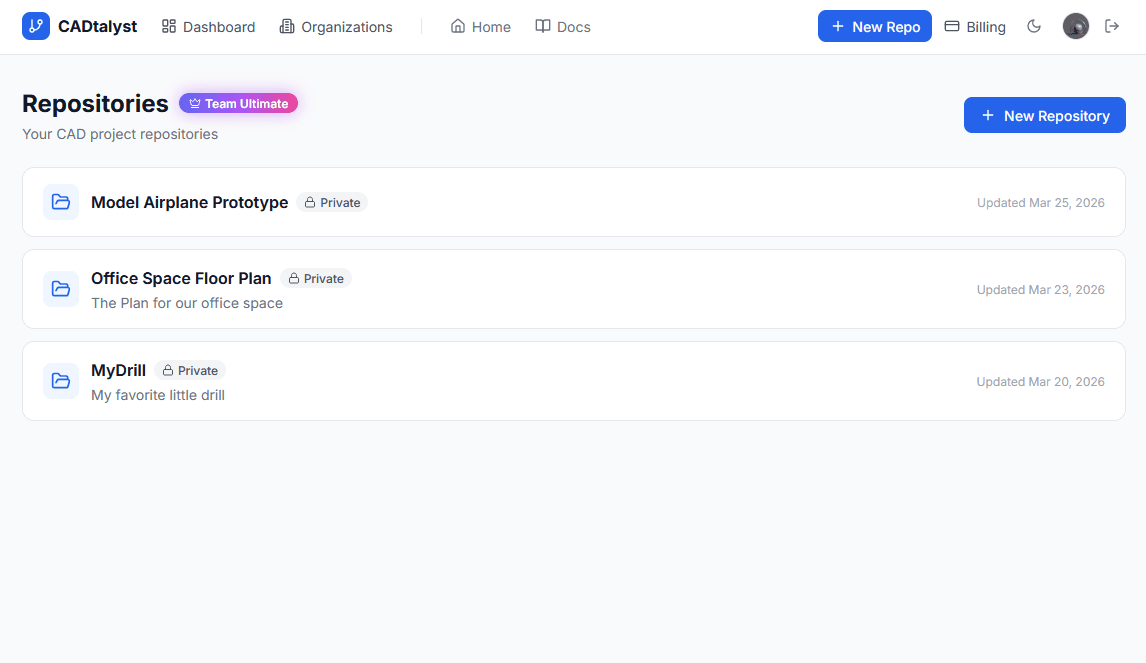
Organize files in repositories just like you would in a project folder — but with structure. Group related files, set privacy levels, and manage access from one central place.
- Public and private repositories
- Folder structure within repos
- File renaming and organization
- Repository-level activity feed